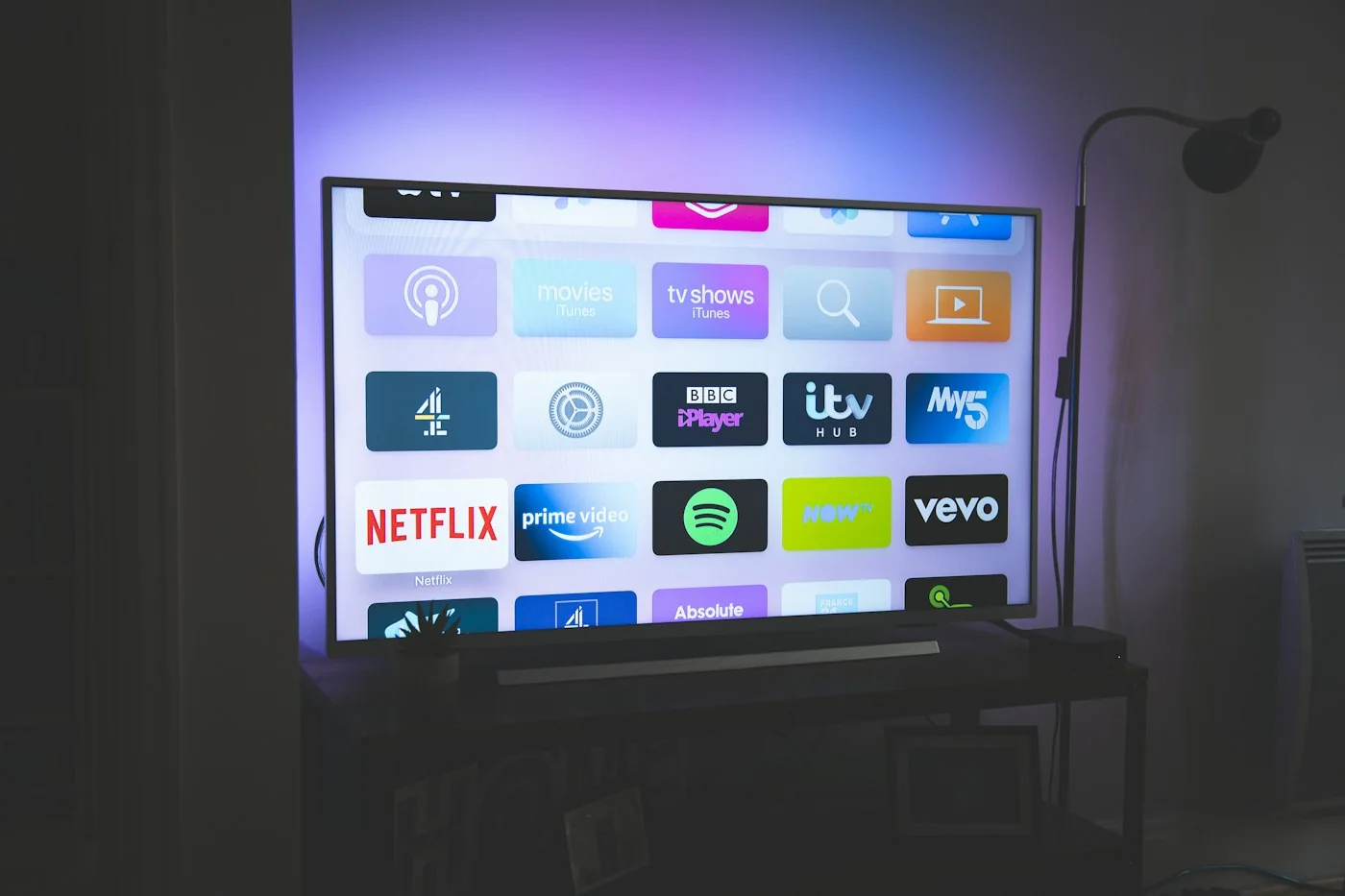
Use profiles, favourites and parental controls to make every screen feel personal.
Start with the experience you want
The best streaming setup is the one that fits your habits. Make a short list of the live channels, sports, films and series you watch most, then check how each option performs on your own connection. A large catalogue is useful, but reliable playback and easy navigation matter just as much.
Check compatibility before you commit
Confirm that your television, streaming box, phone or computer supports a suitable player. Look for clear installation guides, electronic programme guide support and a straightforward way to manage favourites. If multiple people will watch at once, choose enough simultaneous connections.
- 4K / FHD
- 24/7
- Smart TV · Fire TV · Mobile
Quality depends on the whole connection
For consistent 4K viewing, aim for at least 25 Mbps per stream and a stable router connection. Ethernet or 5 GHz Wi-Fi can reduce interruptions. Run a speed test near the device you will use, not only beside your router.
A trial is the smartest final check
Use a trial at the times you normally watch, including a busy live event if possible. Test channel switching, picture quality and the programme guide. Responsive support during this stage is a good sign that you will be looked after later.